
9 Best Sleep Apps For Elderly
| App Name | Best For | Key Features | AC Rating | Pricing |
|---|---|---|---|---|
| Life7 | All-in-one sleep and mental wellness | Binaural beats, sleep stories, white noise variations | 4.8/5 | Free trial, then subscription |
| Calm | Relaxing bedtime stories | Sleep stories narrated by celebrities, nature sounds | 4.6/5 | Free version, premium subscription |
| Headspace | Guided sleep meditations | Sleepcasts, wind-down exercises, sleep music | 4.5/5 | Free basics, premium subscription |
| Sleep Cycle | Smart alarm wake-ups | Sleep tracking, gentle alarm, sleep notes | 4.4/5 | Free version, premium subscription |
| Relax Melodies | Custom soundscape mixing | Sound mixer, guided meditations, breathing exercises | 4.4/5 | Free version, premium subscription |
| Pzizz | Science-based sleep sequences | Dreamscapes, focus modules, power naps | 4.3/5 | Free trial, then subscription |
| White Noise Lite | Simple background sounds | 50+ sounds, timer function, mixing capability | 4.2/5 | Free with ads, paid version |
| Sleep Sounds | Easy to use nature sounds | Large sound library, favorites list, timer | 4.1/5 | Free with ads, premium option |
| Insight Timer | Free meditation library | Thousands of free tracks, community features, courses | 4.3/5 | Mostly free, optional premium |
#1. Life7 – Best for All-in-One Sleep and Mental Wellness

Life7 stands out as the most complete sleep solution I have found for elderly users. This app combines everything you need for better sleep in one place.
It offers specialized sounds like green noise, white noise, brown noise, and pink noise. These help block out distractions that keep you awake at night.
The app also includes bedtime stories for adults. These gentle narratives guide your mind away from worries. Plus, there are breathing exercises that calm your nervous system before bed.
What makes Life7 special is its brain wave music. Delta and theta waves help your brain relax into sleep mode naturally.
Key Features:
- Multiple noise colors and binaural beats designed for deep sleep
- Bedtime stories and guided visualizations for peaceful dreams
- Breathing exercises and vagus nerve stimulation for relaxation
What I like: I really appreciate how Life7 gives you so many options without being confusing. The backdrop mode lets you mix soundscapes with sleep stories. This is perfect if you want rain sounds playing while listening to a bedtime story. The daily check-ins help build a healthy routine. And the simple dashboard makes it easy to track your sleep progress over time.
What I don’t like: The free version is a bit limited. You will want to try the 7 day free trial to see everything the app offers. After that, you need a subscription to access most features.
Pricing: Free 7 day trial available. Then choose from weekly, monthly, or yearly subscription plans. They often run special offers.
Platforms: iOS and Android
#2. Calm – Best for Relaxing Bedtime Stories
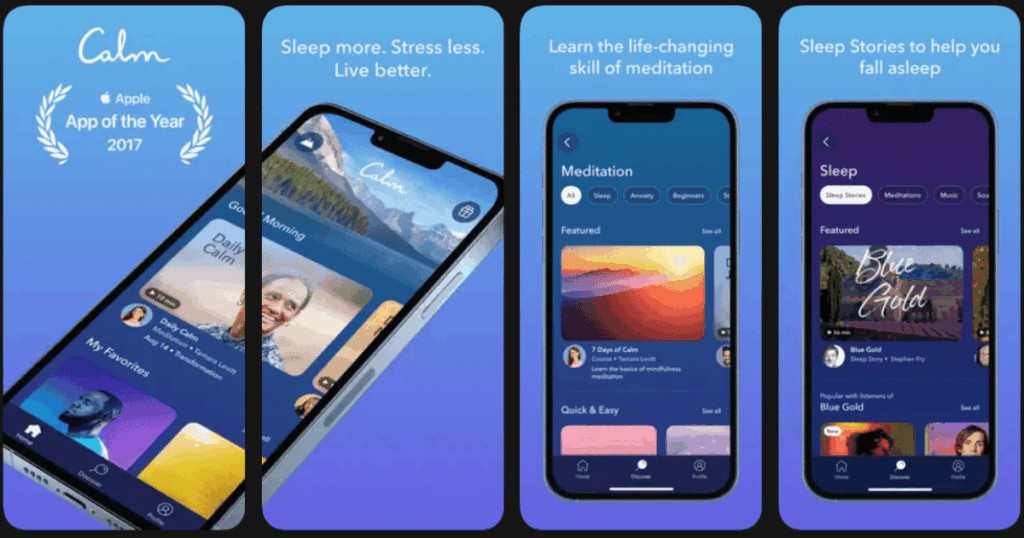
Calm has become one of the most popular sleep apps around. It focuses heavily on bedtime stories read by famous voices.
The app is very easy to navigate. Big buttons and clear labels make it simple for anyone to use. This matters a lot for elderly users who may not be tech experts.
Their Sleep Stories feature includes hundreds of tales. Some are read by celebrities like Matthew McConaughey. The gentle voices and slow pace help your mind wind down.
Key Features:
- Hundreds of sleep stories with new ones added regularly
- Nature scenes and calming music for background relaxation
- Daily calm sessions for stress relief
What I like: The sleep stories really work. I find myself drifting off before they even finish. The app remembers where you left off too. The nature sounds are high quality and feel authentic. Everything loads quickly and plays smoothly without glitches.
What I don’t like: Calm can feel expensive compared to other options. Also, some of the best content requires the premium subscription. The free version is quite limited.
Pricing: Free version with limited content. Premium subscription available with monthly or yearly options.
Platforms: iOS and Android
#3. Headspace – Best for Guided Sleep Meditations
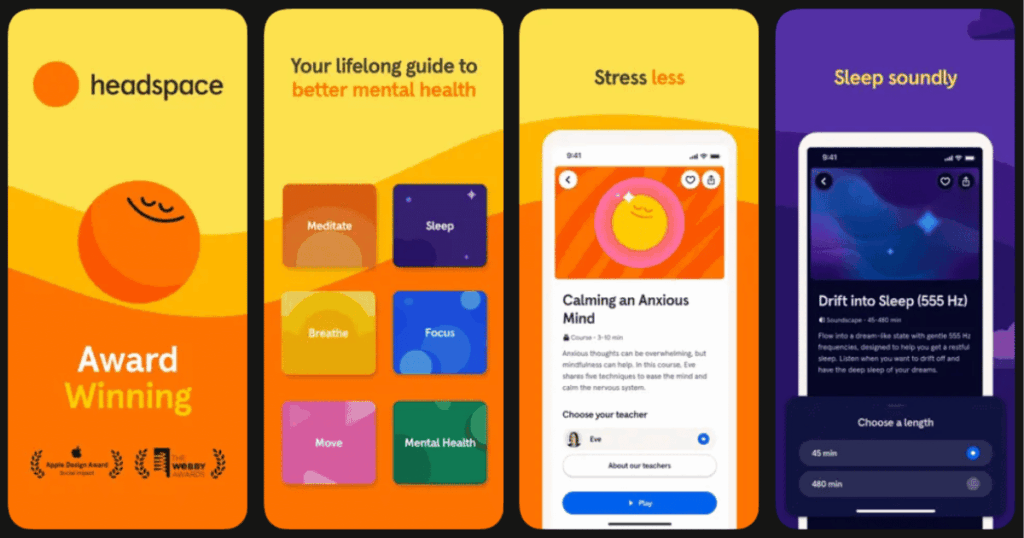
Headspace started as a meditation app but now offers excellent sleep tools. Their approach combines meditation with sleep science.
The Sleepcasts feature offers audio experiences that last about 45 minutes. These are designed to help your mind slow down gradually.
The wind-down exercises are perfect before bed. They teach simple techniques that prepare your body for rest. Even complete beginners can follow along easily.
Key Features:
- Sleepcasts with ambient sounds and gentle narration
- Wind-down exercises to prepare for sleep
- Sleep music composed by experts
What I like: Headspace makes meditation feel approachable. The animations and explanations are friendly. I appreciate how they break things into small steps. The sleep content specifically targets racing thoughts that keep many elderly people awake.
What I don’t like: The app can feel a bit playful for some older users. The cartoon style may not appeal to everyone. Also, most sleep features need a paid subscription.
Pricing: Free basics available. Full access requires a subscription with different plan lengths.
Platforms: iOS and Android
#4. Sleep Cycle – Best for Smart Alarm Wake-Ups
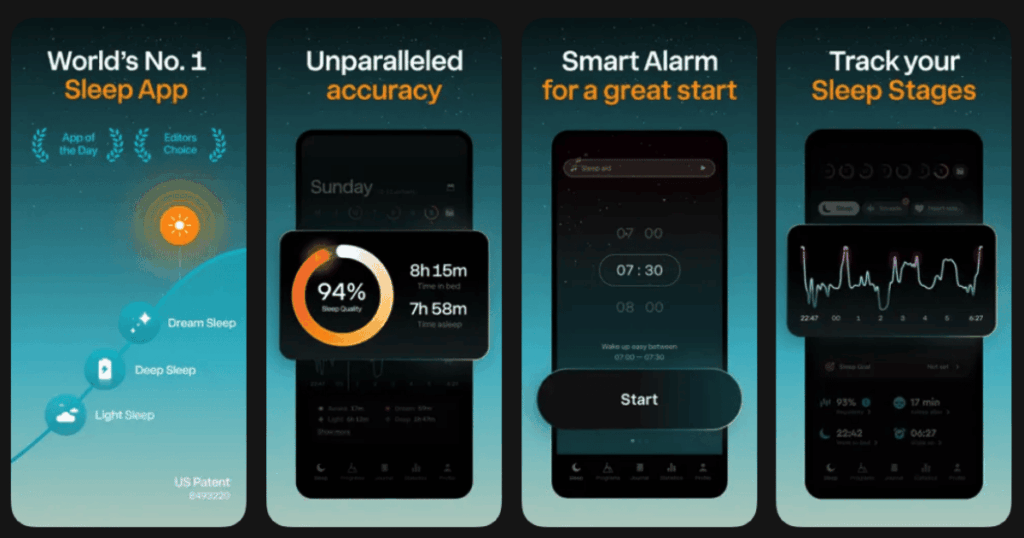
Sleep Cycle takes a different approach to sleep improvement. It tracks your sleep patterns and wakes you at the best time.
The app uses your phone’s sensors to detect movement. It figures out when you are in light sleep. Then it wakes you during a 30 minute window when you will feel most refreshed.
This is helpful for elderly people who struggle with feeling groggy in the morning. Waking during light sleep makes a big difference.
Key Features:
- Intelligent alarm that wakes you during light sleep
- Detailed sleep analysis with graphs and trends
- Sleep notes to track what affects your rest
What I like: The smart alarm feature actually works. I wake up feeling more alert on most days. The sleep statistics help me understand my patterns. I can see how things like caffeine or late meals affect my rest.
What I don’t like: You need to keep your phone near your bed for tracking. This bothers some people. The app also needs several nights of data before the insights become useful.
Pricing: Basic features are free. Premium subscription unlocks detailed analysis and extra features.
Platforms: iOS and Android
#5. Relax Melodies – Best for Custom Soundscape Mixing
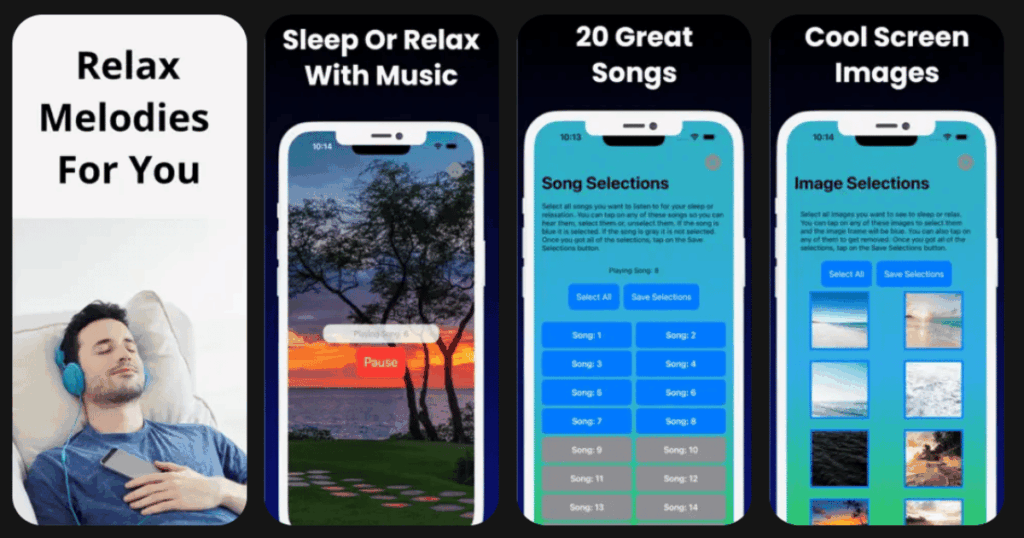
Relax Melodies lets you create your own perfect sleep soundtrack. You mix different sounds together to match your preferences.
Maybe you want rain mixed with a gentle fan sound. Or perhaps ocean waves with soft chimes. You control the volume of each element.
This customization makes it ideal for people with specific preferences. Elderly users often know exactly what sounds help them relax.
Key Features:
- Mix and match from over 100 sounds
- Save your favorite combinations for quick access
- Guided meditations and breathing exercises included
What I like: The mixing feature is brilliant. I can adjust things until they sound just right. The app remembers my favorites so I do not have to recreate them. The timer function lets me set sounds to stop after I fall asleep.
What I don’t like: Having so many options can feel overwhelming at first. It takes some time to explore everything. Some of the best sounds are locked behind the premium version.
Pricing: Free version includes many sounds. Premium subscription adds more content and features.
Platforms: iOS and Android
#6. Pzizz – Best for Science-Based Sleep Sequences
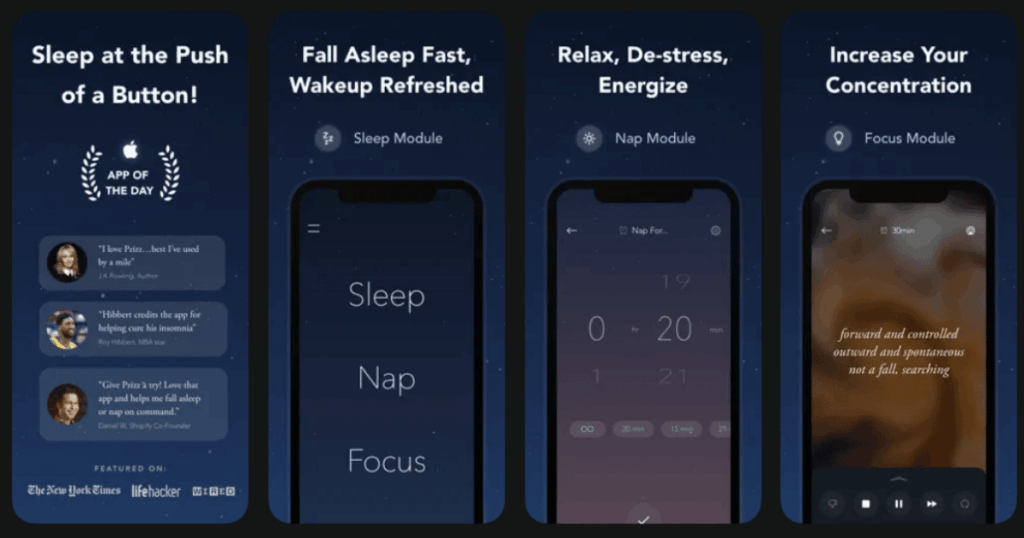
Pzizz uses research to create sleep audio that actually works. Their system combines music, voiceovers, and sound effects in a specific way.
The app generates slightly different audio each time you use it. This prevents your brain from getting bored with the same sounds.
Their Dreamscapes feature is designed to help you fall asleep and stay asleep. The audio changes throughout the night to support different sleep stages.
Key Features:
- Scientifically designed sleep sequences
- Dynamic audio that changes with each use
- Separate modules for sleep, naps, and focus
What I like: Pzizz feels different from other apps. The audio really does help my brain settle down. I appreciate that it is not the same thing every night. The nap feature is great for afternoon rest.
What I don’t like: The voiceover style takes getting used to. Some people find it too unusual at first. The app also has fewer customization options than some competitors.
Pricing: Free trial available. Subscription required for full access.
Platforms: iOS and Android
#7. White Noise Lite – Best for Simple Background Sounds
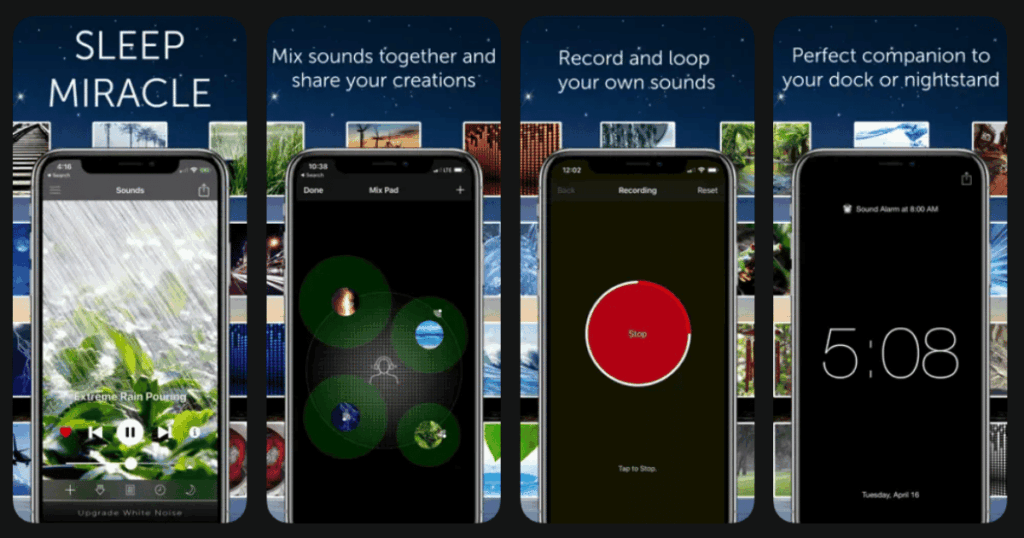
White Noise Lite keeps things simple. It offers a collection of ambient sounds without extra features getting in the way.
This simplicity is a strength for many elderly users. There is no confusion about what to do. You pick a sound and press play.
The sounds include classics like fan noise, rain, and ocean waves. There are also unique options like air conditioner hum and train rides.
Key Features:
- Over 50 ambient sounds included
- Simple timer to auto-stop playback
- Mix multiple sounds if desired
What I like: This app does one thing and does it well. It loads fast and works reliably. The sounds are clear and loop smoothly without obvious breaks. Battery usage is reasonable even when running all night.
What I don’t like: There are no guided meditations or stories here. If you want more than just sounds, you will need a different app. The free version has some ads.
Pricing: Free version with ads. Paid version removes ads and adds features.
Platforms: iOS and Android
#8. Sleep Sounds – Best for Easy to Use Nature Sounds
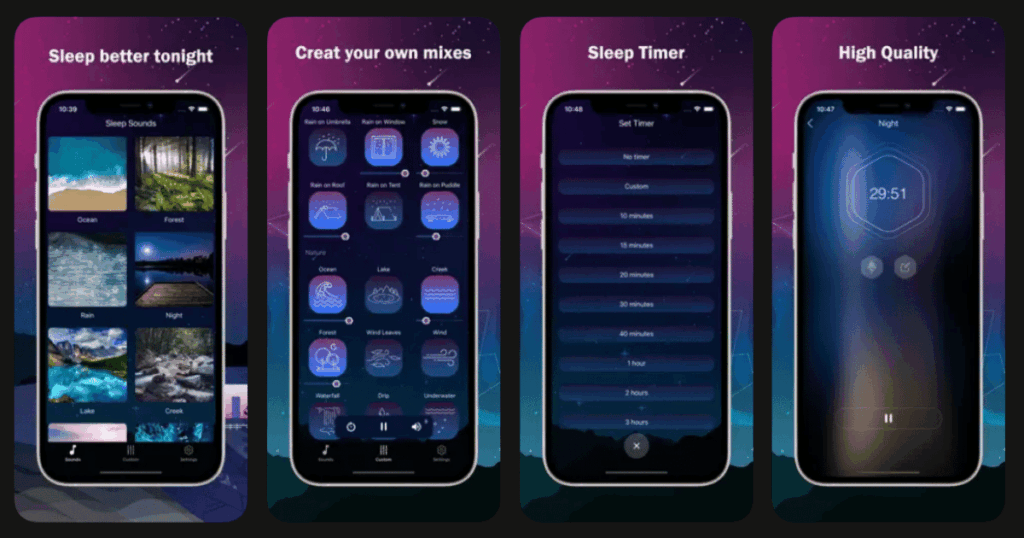
Sleep Sounds offers a large library of relaxing audio with a very simple interface. Big icons make navigation easy.
The app focuses on nature sounds that help create a peaceful environment. Birds, rain, thunderstorms, and forest ambiance are all included.
For elderly users who want something straightforward, this app delivers. There is almost no learning curve needed.
Key Features:
- Huge library of nature and ambient sounds
- Easy favorites system to save preferred sounds
- Timer with multiple duration options
What I like: Finding sounds takes seconds in this app. Everything is organized clearly by category. The audio quality is good and sounds natural. I can quickly start my favorite sound without navigating through menus.
What I don’t like: The app shows ads in the free version. These can be annoying. There are also no meditation or story features here.
Pricing: Free with ads. Premium option removes advertising.
Platforms: iOS and Android
#9. Insight Timer – Best for Free Meditation Library
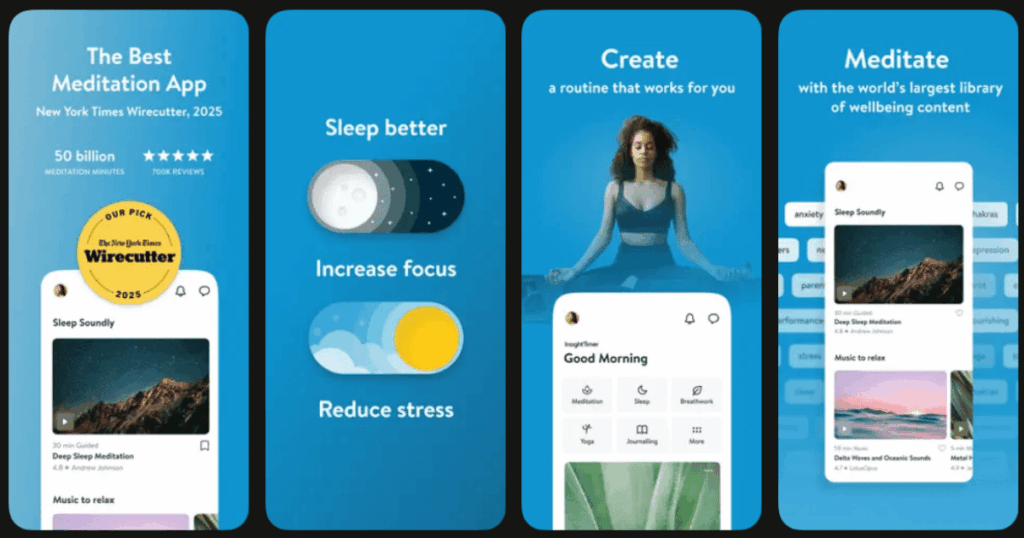
Insight Timer offers thousands of free meditations and sleep tracks. The free content library is larger than most paid apps.
The app has a strong community aspect. Users can connect with others and join groups. This social element may appeal to some elderly users.
Many sleep specific tracks are available. These include guided meditations, music, and talks about improving rest.
Key Features:
- Thousands of free meditations and sleep tracks
- Community features and groups to join
- Courses on sleep and wellness topics
What I like: The amount of free content is amazing. I can explore for weeks without paying anything. The variety means I always find something new. Teachers from around the world contribute tracks.
What I don’t like: Finding specific content can be tricky with so much available. The app feels busier than some alternatives. The social features are not useful for everyone.
Pricing: Mostly free content. Optional premium membership for extra features.
Platforms: iOS and Android
Do Sleep Apps Really Help Older Adults Sleep Better?
Yes, sleep apps can genuinely help elderly people improve their rest. Many studies show that relaxation techniques reduce the time needed to fall asleep.
White noise and nature sounds mask disruptive noises. This is especially helpful for light sleepers. Guided meditations calm racing thoughts that often keep seniors awake.
The key is finding what works for you. Some people respond best to stories. Others prefer simple background sounds. Apps like Life7 offer many options so you can experiment.
Consistency matters too. Using your chosen app regularly trains your brain to associate those sounds with sleep time.
Are Sleep Apps Easy for Seniors to Use?
Most popular sleep apps are designed to be user friendly. Developers know that complicated interfaces frustrate everyone.
Look for apps with large buttons and clear labels. Life7, Calm, and White Noise Lite are all straightforward to navigate.
It helps to have someone show you around the app at first. Once you find your favorite features, using the app becomes simple.
Many apps let you set up shortcuts. You can save favorite sounds or meditations for one tap access. This removes the need to search each night.
Can Sleep Apps Replace Sleep Medication for Elderly Users?
Sleep apps should not be seen as direct replacements for prescribed medication. Always talk to your doctor before changing any treatment.
However, many elderly people find apps helpful alongside their current approach. Some eventually reduce their need for sleep aids with doctor guidance.
Apps address common sleep problems naturally. They help with relaxation, anxiety, and creating good bedtime routines. These benefits support better sleep without side effects.
Life7 includes techniques like CBT and breathing exercises. These methods have research backing for improving sleep quality. Combined with sounds and stories, they offer a complete natural approach.