
9 Best Dopamine Detox Apps For Your Phone
| App Name | Best For | Key Features | AC Rating | Pricing |
|---|---|---|---|---|
| Life7 | Complete mental wellness and dopamine reset | Binaural beats, CBT therapy, guided meditations, sleep stories | 4.8/5 | Free trial, then subscription plans |
| One Sec | Breaking unconscious app habits | Breathing interventions, habit tracking, mindfulness prompts | 4.7/5 | Free basic, Pro subscription available |
| Opal | Serious screen time control | Deep Focus mode, app blocking, gamified rewards | 4.6/5 | Free limited, Premium subscription |
| ScreenZen | Mindful phone usage | Customizable pauses, strict blocking, daily limits | 4.8/5 | Free with optional purchases |
| Freedom | Multi device blocking | Cross platform sync, locked mode, scheduling | 4.5/5 | Free trial, then subscription |
| Forest | Gamified focus sessions | Virtual tree growing, real tree planting, focus timer | 4.7/5 | One time purchase or free version |
| Clearspace | Intentional app opening | Breathing exercises, accountability partners, pushup unlock | 4.6/5 | Free basic, Premium available |
| Calm | Meditation based detox | Sleep stories, breathing exercises, nature sounds | 4.8/5 | Free basic, Premium subscription |
| Headspace | Structured mindfulness training | Guided courses, sleep content, focus exercises | 4.7/5 | Free trial, then subscription |
#1. Life7 – Best for Complete Mental Wellness and Dopamine Reset
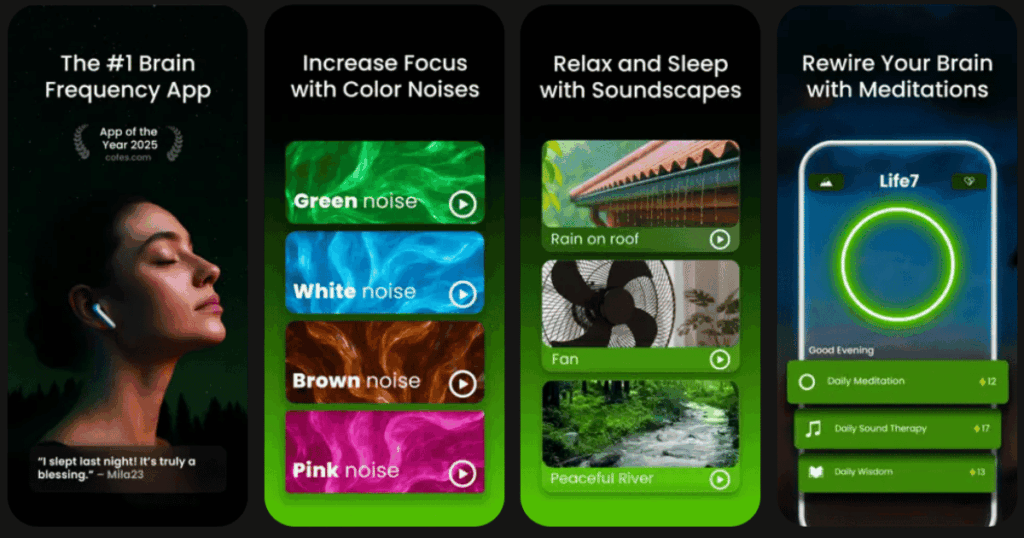
Life7 is an all in one mental wellness app that goes beyond simple screen blocking. It tackles the root cause of phone addiction by helping you reset your dopamine levels naturally. With over 312 million meditation minutes logged and 1200+ editorial mentions, this app has proven its value.
The app offers everything from binaural beats to cognitive behavioral therapy sessions. You get green noise, white noise, brown noise, and pink noise options. There are also Delta, Theta, Alpha, Beta, and Gamma wave music tracks. The app includes 432 Hz and 528 Hz frequencies for deep relaxation.
Key Features:
- SOS sessions for instant anxiety and panic attack relief
- Vagus nerve stimulation and transcendental meditation for deep awareness
- Daily sessions including meditation, music therapy, and wisdom content
What I like: I love how Life7 combines so many tools in one place. The sleep stories work great for winding down at night. The breathing exercises calm my nervous system fast. The gamified approach keeps me motivated with XP and unlockable soundscapes. Building streaks and tracking mood changes through the custom dashboard makes the whole experience feel rewarding and personal.
What I don’t like: The free version is a bit limited compared to the full experience. You really need the premium subscription to access all the good stuff like hypnotherapy and guided lucid dreaming sessions.
Pricing: 7 day free trial available. Weekly, monthly, and yearly subscription plans offered. Frequent special offers pop up too.
Platforms: iOS and Android
#2. One Sec – Best for Breaking Unconscious App Habits
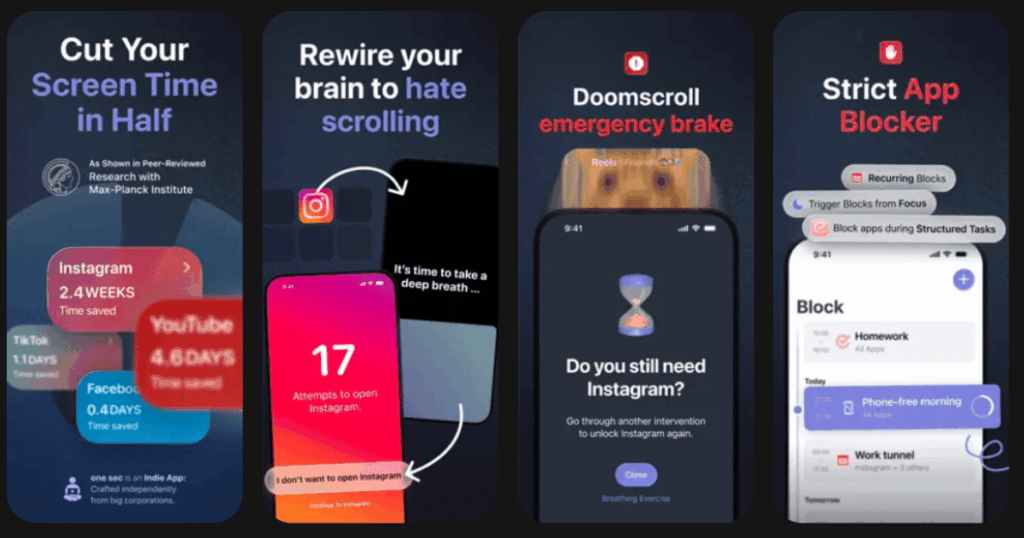
One Sec takes a unique approach to dopamine detox. Instead of blocking apps completely, it forces you to pause and breathe before opening them. This small delay breaks the automatic habit loop that keeps you reaching for your phone.
The app has been backed by research from the University of Heidelberg and Max Planck Institute. Their study showed a 57% reduction in social media usage. Pretty impressive numbers for such a simple concept.
Key Features:
- Breathing interventions triggered before app opens
- Website blocking for browsers and Chrome extension
- Customizable delay times and reflection prompts
What I like: The science behind this app is solid. I appreciate that it does not just block things. It actually helps retrain my brain over time. The reflection prompts make me think twice about why I am picking up my phone. After a few weeks, I noticed my urge to mindlessly scroll actually decreased.
What I don’t like: Setting up the automations through Shortcuts can be confusing at first. The Android version has fewer features compared to iOS. Some advanced options need the Pro subscription.
Pricing: Free version with one app. Pro subscription unlocks unlimited apps and extra features.
Platforms: iOS and Android
#3. Opal – Best for Serious Screen Time Control
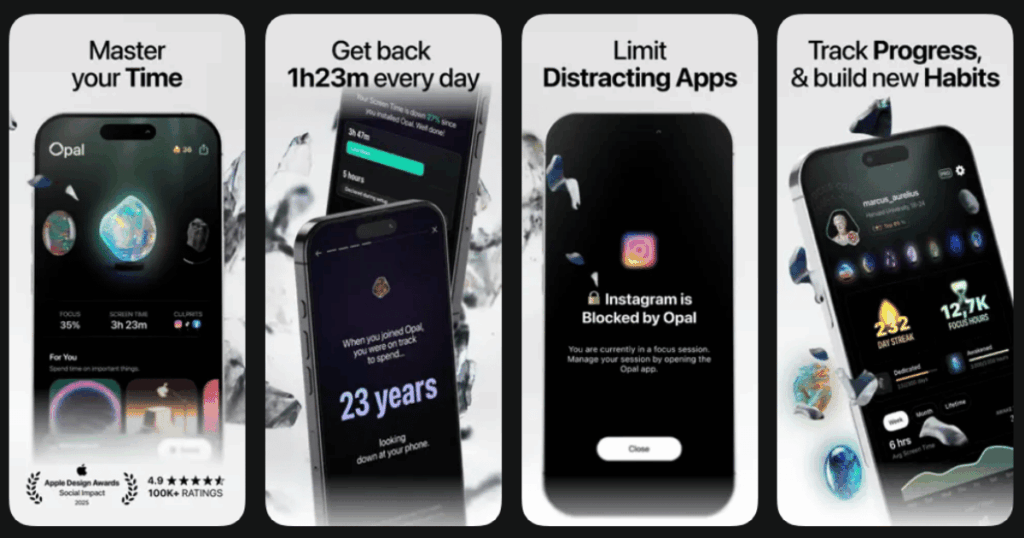
Opal is praised by productivity experts and has over 4 million users worldwide. The New Yorker and New York Times have both featured this app. It combines app blocking with gamification to make reducing screen time feel less like punishment.
Users report saving an average of 1 hour and 23 minutes per day. That adds up fast when you think about it.
Key Features:
- Deep Focus mode that locks apps until timer ends
- Smart schedules for work, sleep, and family time
- Gamified gems and streaks for motivation
What I like: The Deep Focus mode is a game changer for me. Once I set it, I cannot cheat my way out. The detailed analytics show me exactly where my time goes. The leaderboard feature adds a fun competitive element when I challenge friends to reduce screen time together.
What I don’t like: The premium price of around $99 per year feels steep. The free version is quite limited with just one recurring focus session. Some users report occasional glitches with the Screen Time API on certain iOS versions.
Pricing: Free version with basic features. Premium subscription for full access.
Platforms: iOS and Android
#4. ScreenZen – Best for Mindful Phone Usage
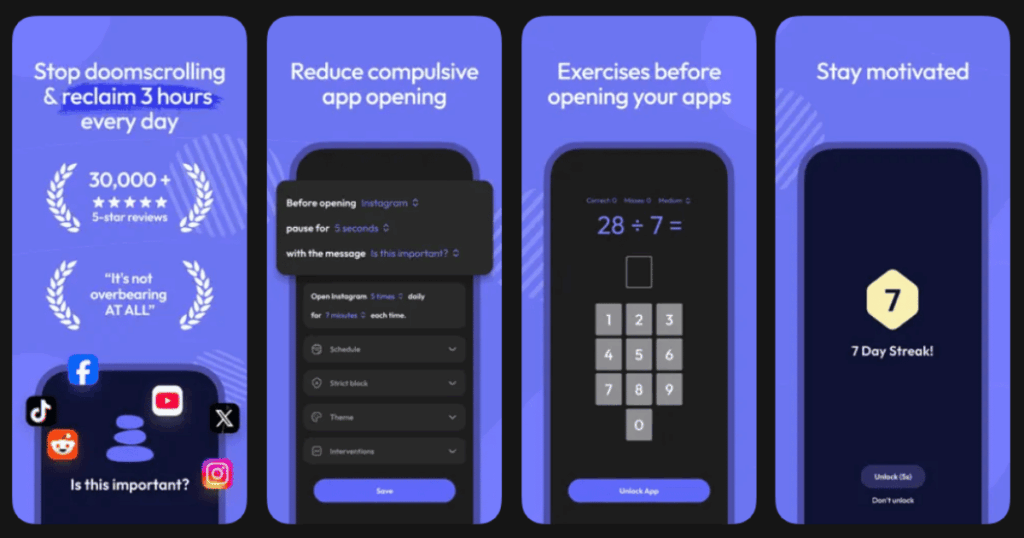
ScreenZen stands out because it is almost entirely free. The app creates mental speed bumps that make you pause before opening distracting apps. This approach is endorsed by Catherine Price, author of “How to Break Up With Your Phone.”
The customizable pause messages really help you reflect on your intentions before diving into an app.
Key Features:
- Adjustable wait times that increase with each unlock
- Strict block modes for certain time periods
- Custom mindfulness questions before app access
What I like: I love how customizable everything is. I can set different rules for different days and times. The mindfulness prompts feel personal because I wrote them myself. The fact that it is free makes it accessible to everyone who wants to improve their phone habits.
What I don’t like: The reliance on self setup means you have to be honest with yourself about what apps distract you. Some workarounds exist if you really want to cheat. The interface is mostly text based and could look more polished.
Pricing: Free with optional in app purchases.
Platforms: iOS and Android
#5. Freedom – Best for Multi Device Blocking
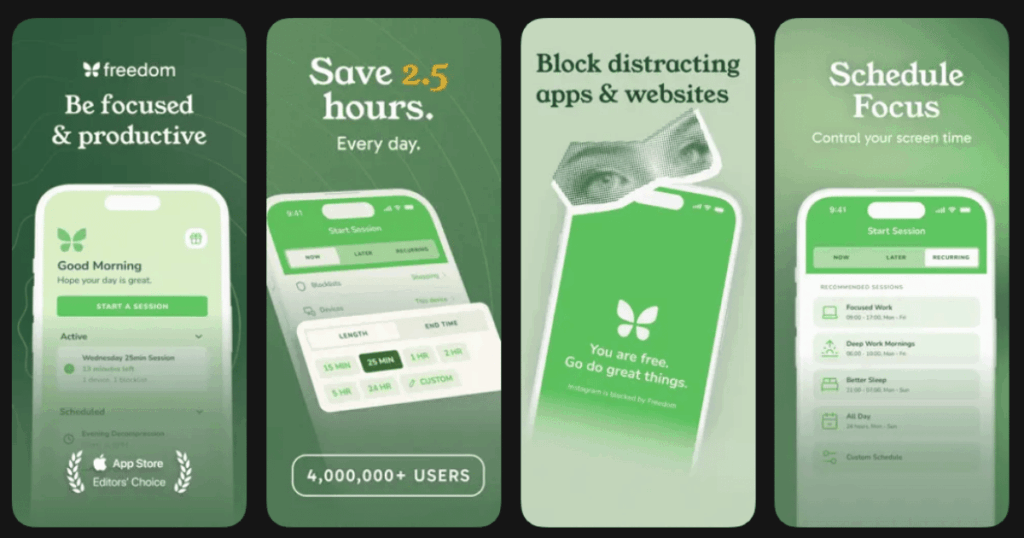
Freedom has been around for over a decade and has helped millions of people reclaim their focus. The biggest advantage is that it syncs across all your devices. Block Instagram on your laptop and it is blocked on your phone too.
The locked mode feature keeps you from ending sessions early, which is perfect for people who tend to give in to temptation.
Key Features:
- Cross platform sync for Mac, Windows, iOS, Android, and Chrome
- Locked mode prevents session cancellation
- Custom blocklists and scheduled sessions
What I like: The multi device sync is exactly what I needed. Before Freedom, I would block apps on my computer and just pick up my phone instead. Now everything stays blocked everywhere. The focus sounds and ambient music help me stay in the zone while working.
What I don’t like: The yearly subscription costs around $40. There is no permanent free tier beyond the 7 day trial. Some features work differently depending on your operating system.
Pricing: Free 7 day trial. Monthly, yearly, and lifetime plans available.
Platforms: iOS, Android, Mac, Windows, and Chrome
#6. Forest – Best for Gamified Focus Sessions
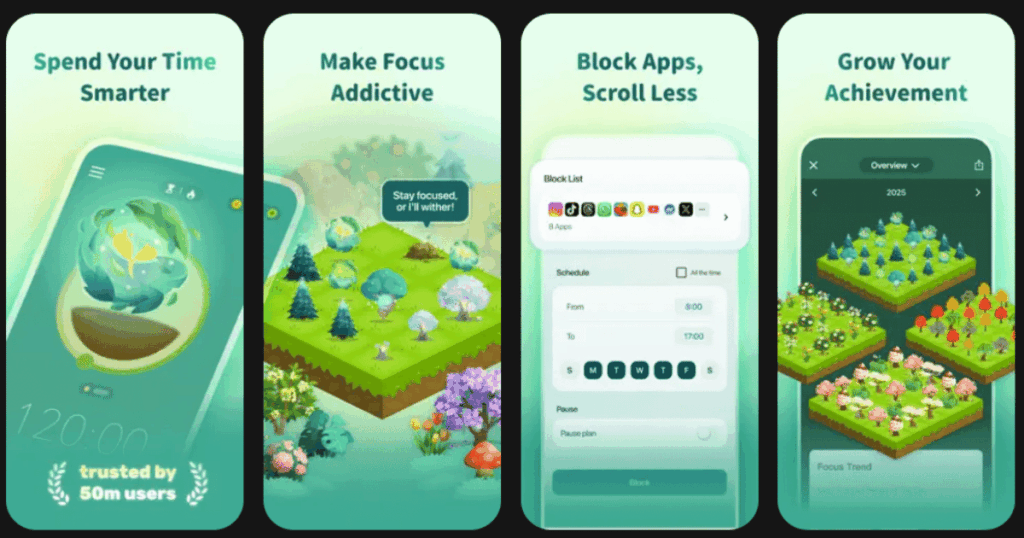
Forest turns focus time into a game. Plant a virtual tree when you want to concentrate. If you leave your phone alone, the tree grows. Pick up your phone and use distracting apps? The tree dies.
The coolest part is that Forest actually plants real trees through partnerships with environmental organizations.
Key Features:
- Virtual tree growing mechanic for focus motivation
- Real tree planting for environmental impact
- Focus timer with customizable session lengths
What I like: The visual representation of my focus time makes a real difference. Watching my forest grow feels satisfying. Knowing that I am helping plant real trees adds extra motivation. The guilt of killing a virtual tree actually stops me from picking up my phone.
What I don’t like: The gamification may not appeal to everyone. Once the novelty wears off, some people stop using it. The app focuses more on motivation than actual blocking, so you can still cheat if you want to.
Pricing: Free version available on Android. One time purchase on iOS.
Platforms: iOS and Android
#7. Clearspace – Best for Intentional App Opening
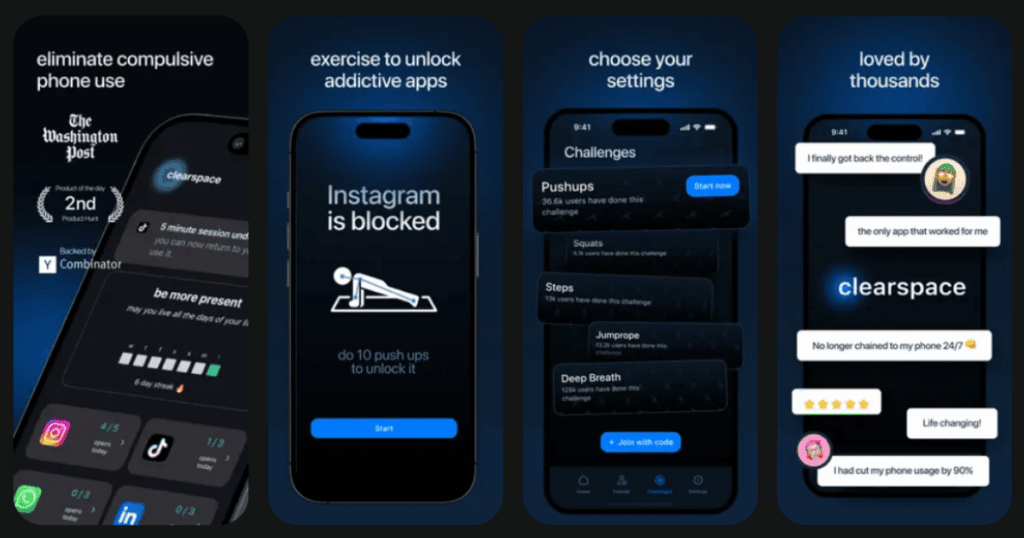
Clearspace is a Y Combinator backed app that helps users cut screen time in half. The approach is simple. When you try to open a distracting app, you must take a deep breath first. This tiny pause helps you decide if you really want to open it.
They even added a pushup feature where you have to do actual pushups to unlock apps.
Key Features:
- Deep breathing exercises before app access
- Accountability partners who get notified if you break limits
- Pushup unlock mode for physical intervention
What I like: The breathing exercise is calming and actually helps me reset my intention. The accountability partner feature keeps me honest. Writing notes to myself that appear before opening apps creates a powerful reminder of why I want to change my habits.
What I don’t like: The pushup tracking can be finicky with camera positioning. Some users find the setup process takes a bit of effort. The free version only blocks one app.
Pricing: Free basic version. Premium subscription for full features.
Platforms: iOS and Android
#8. Calm – Best for Meditation Based Detox
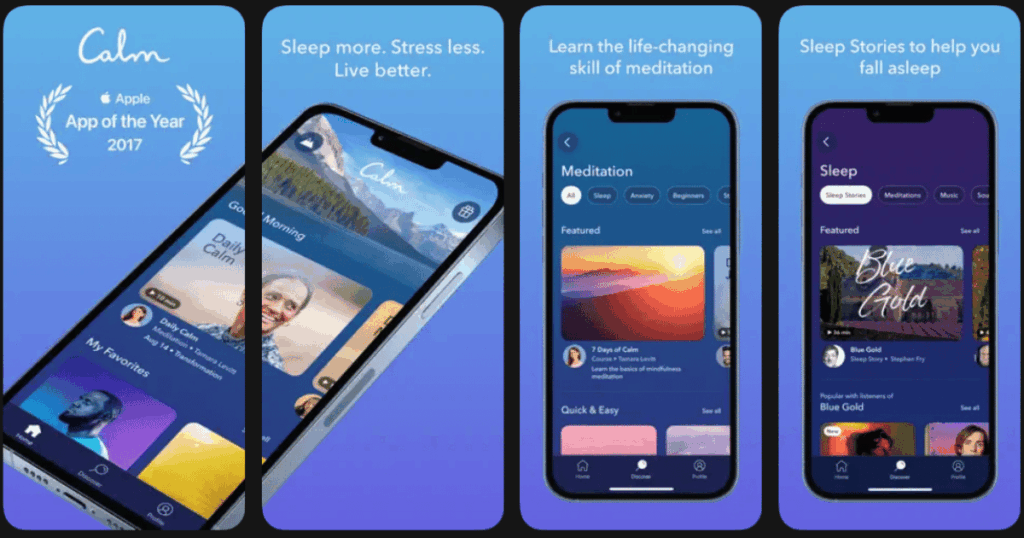
Calm is one of the most popular meditation apps in the world. While not specifically a dopamine detox app, it provides excellent tools for managing the underlying stress and anxiety that drives phone addiction.
The Sleep Stories feature is famous and has helped millions of people fall asleep without scrolling.
Key Features:
- Guided meditations for stress and anxiety relief
- Sleep Stories narrated by famous voices
- Breathing exercises and relaxing soundscapes
What I like: Calm gives me something healthy to do instead of scrolling. The 60 second Breathe Bubble grounds me quickly when I feel the urge to pick up my phone. The production quality of the content feels premium and professional.
What I don’t like: This is not a screen blocker. You still need willpower to choose Calm over social media. The premium subscription is on the pricier side compared to other meditation apps.
Pricing: Free basic content. Premium subscription for full library.
Platforms: iOS and Android
#9. Headspace – Best for Structured Mindfulness Training
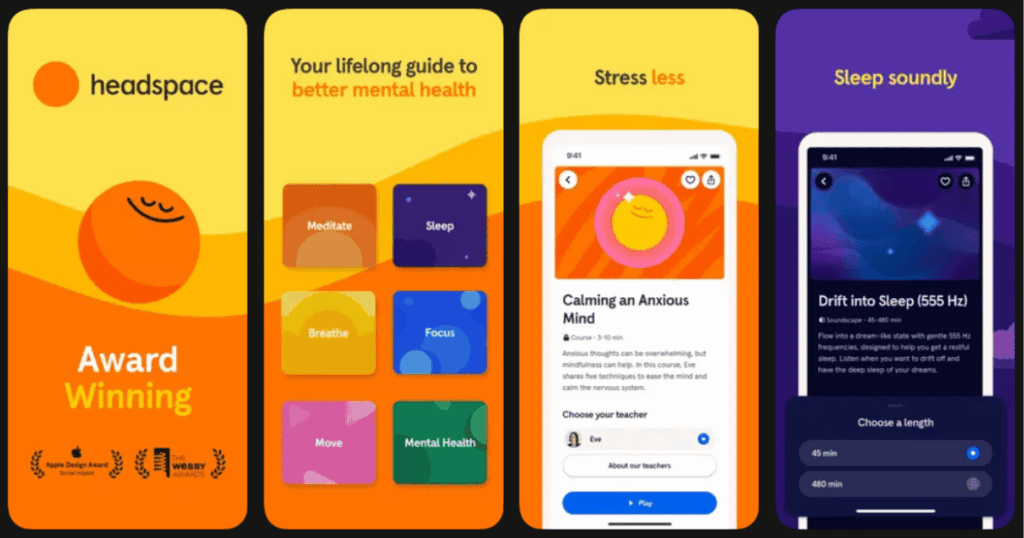
Headspace offers over 1000 guided meditations designed to help you build sustainable mindfulness habits. The structured courses teach you techniques that reduce the need for constant digital stimulation.
The app has been used by millions worldwide and has strong research backing its effectiveness.
Key Features:
- Structured meditation courses for beginners to advanced
- Sleep content including wind downs and soundscapes
- Focus exercises for work and study sessions
What I like: I appreciate the educational approach Headspace takes. It teaches me why my brain craves dopamine hits and gives me tools to manage it. The courses build on each other, so I feel like I am actually learning something instead of just using an app.
What I don’t like: Like Calm, this is not a blocker app. It requires commitment to use regularly. The subscription cost may be too much for some people.
Pricing: Free trial available. Subscription plans for full access.
Platforms: iOS and Android
What Is a Dopamine Detox and Do These Apps Really Help?
A dopamine detox aims to reduce overstimulation from digital devices and social media. The term comes from a practice originally described by psychologist Cameron Sepah in 2019. The idea is that constant notifications and scrolling create an unhealthy dependency on quick dopamine hits.
These apps help by creating friction between you and distracting content. When you have to pause, breathe, or wait before opening an app, your brain has time to make a conscious choice. Research from the University of Heidelberg showed that even a brief intervention can reduce social media usage by 57%.
The key is consistency. Using these apps builds new neural pathways over time. Your brain starts enjoying simpler activities again. Most users report improved sleep, better focus, and reduced anxiety after a few weeks of regular use.
Can I Do a Dopamine Detox Without Completely Blocking Apps?
Yes, and many experts actually recommend this approach. Apps like One Sec and ScreenZen use mindfulness interventions instead of complete blocks. They force you to pause and reflect before opening an app rather than cutting you off entirely.
This gradual method tends to be more sustainable than going cold turkey. Complete blocking often leads to people uninstalling the blocker app as soon as they feel deprived. The pause based approach helps you retrain your habits without feeling restricted.
Life7 takes a different angle by giving you healthy alternatives. Instead of just blocking dopamine sources, it provides calming activities like meditation and breathing exercises. This replaces unhealthy scrolling with something beneficial.
Which Dopamine Detox App Is Best for Beginners?
For beginners, I recommend starting with Life7 or ScreenZen. Life7 offers a complete wellness toolkit that addresses both the symptoms and causes of phone addiction. The guided meditations and daily sessions give you something positive to do instead of scrolling.
ScreenZen is great because it is free and easy to set up. The customizable pause messages let you ease into mindful phone use without feeling overwhelmed. You can start with just a few apps and expand from there.
The worst thing you can do is start with the most restrictive option. If you try to block everything immediately, you will likely get frustrated and give up. Pick an app that matches your comfort level and build from there.